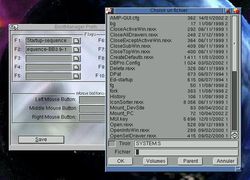
Description

BootManager was written a few years ago, when I was student. It has been made on an Amiga 4000 PPC using stormC 3. Bellow is the description from the Aminet readme file.
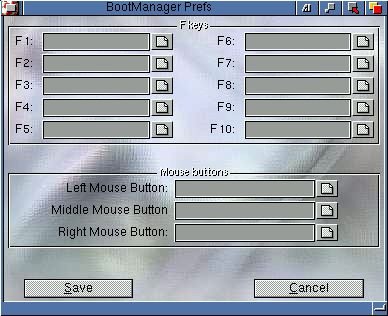
This is a simple program wich allows you to boot from another startup-sequence by pressing one of the 10 fkeys or one of the three mouse buttons while booting. You can execute 13 differents startup-sequence files, depending on wich button you press. If you press the HELP key, your startu
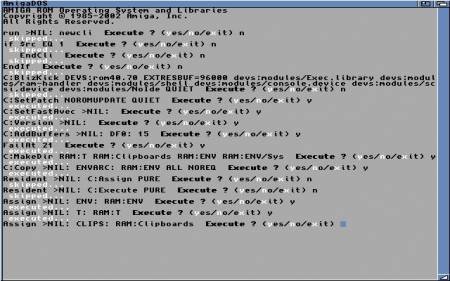
p-sequence will be executed step by step, very usefull to find a problem :)
If no button are pressed, your startup-sequence will be executed normaly so your Amiga will boot as usual. But if you press a button to which you’ve assigned another startup file, this last will be executed
while the real startup-sequence won’t.
So this is the fastest way to have multi-boot without running a menu or something else at the boot.
I use it to boot MacOS via Shapeshifter in “quick mode” without loading the WB or booting with “no startup sequence”. By this way, the MacOS boot like if I had a real Mac :). I use it also to boot linux PPC directly without starting the workbench, thus it look like a real OS that boot without the help of another OS.
Requirements :
- An Amiga with an hard drive (this program is not very usefull without an hardrive !)
- MUI 3.8 is needed for the prefs program (not tested on earlier versions)
- The main program should work on any version of the Workbench (tested only on 3.x)